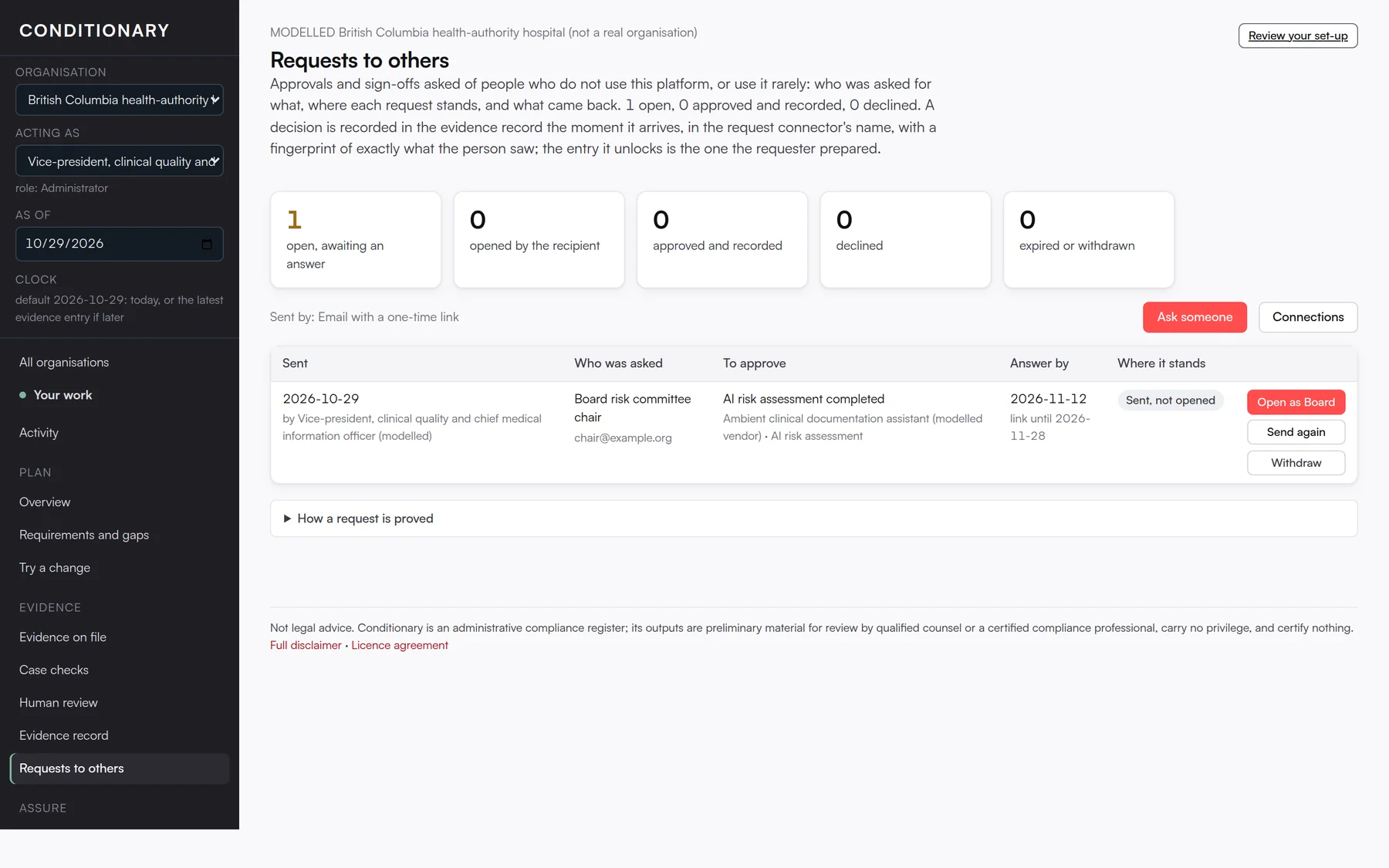

A board member, a vendor, an outside adviser, a colleague’s stand-in. “Ask someone” sends them an email with a one-time link. They see exactly what they are approving, make their choice, and the decision lands in the evidence record with a fingerprint of what they saw. No account, no training, no attachment to chase.
The requests screen shows what is open, opened, approved, declined and expired, with a send-again and a withdraw for each one. The entry that an approval unlocks is the one the requester prepared, so nobody has to transcribe an answer later.
On this screen you can
- Prepare the evidence entry and send it for approval in one step.
- See whether the link was opened and when the answer is due.
- Withdraw a request or send it again.
- Read, under "How a request is proved", exactly what the record contains.