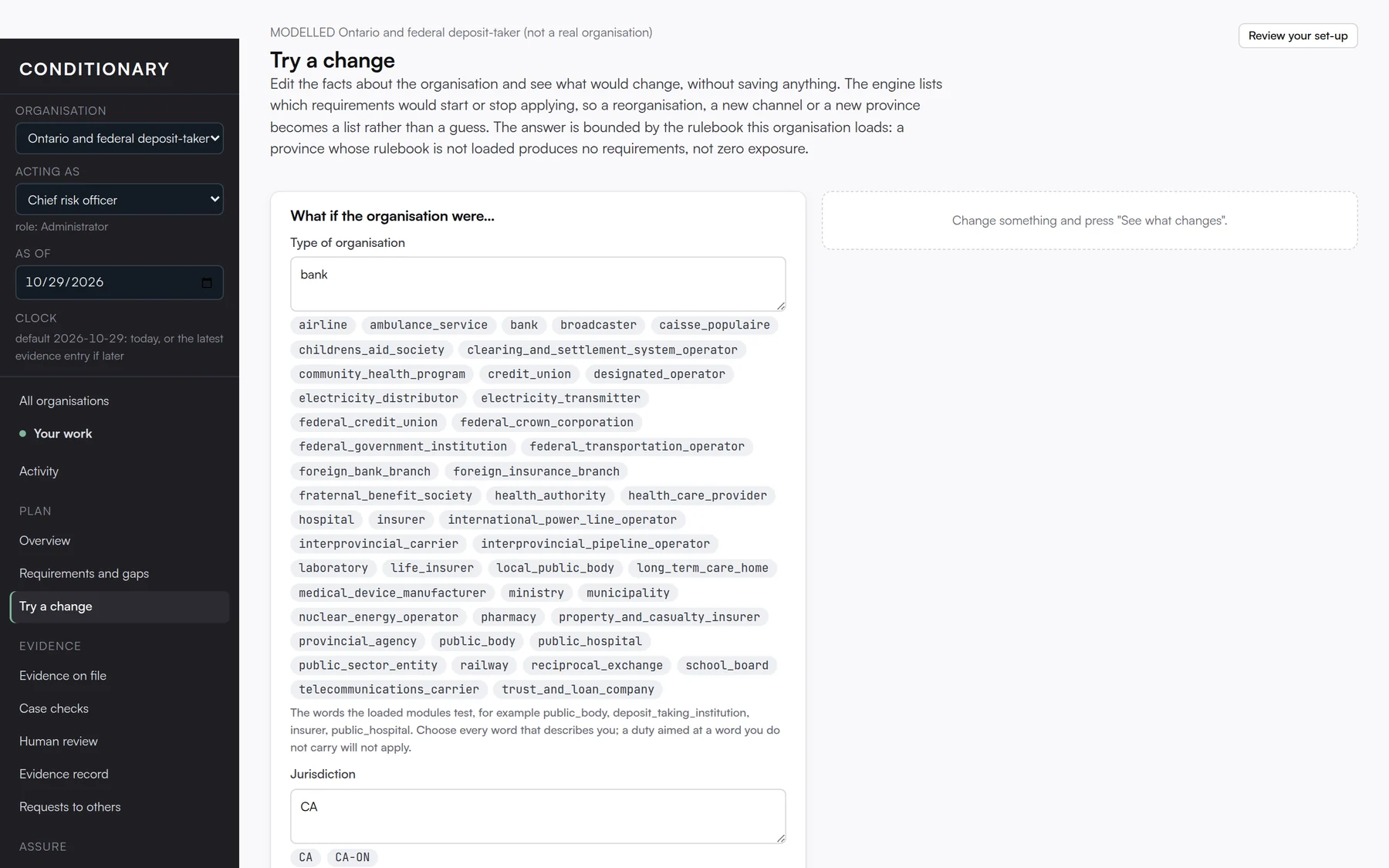
Two organisations in the same sector and province can have very different plans, because the plan depends on what you do: the channels you use, the decisions your software makes, who those decisions affect, whether you process personal information, how many people you employ, which vendors you rely on. The set-up guide captures that profile in plain English and keeps it current with the “Has anything changed?” review.
Your controls are your own. Conditionary proposes where an existing control meets a requirement, and a person confirms it. Your evidence types describe the documents and events your business actually produces. Where a requirement genuinely does not apply to you, you record the exclusion with a reason, and it stays visible in reports rather than vanishing.
Every rulebook update is tested against that profile. New duties that apply to you appear; ones that do not stay out of your way; assignments pinned to changed wording are flagged for a person to confirm. Nothing about your practices is overwritten by an update. Nothing about an update is hidden by your practices.